Building a news website involves more than creating an attractive homepage and publishing articles. You need a platform that makes content management simple, delivers a smooth reading experience, performs well on mobile devices, and supports your publication as it grows.
But which platform should you choose?
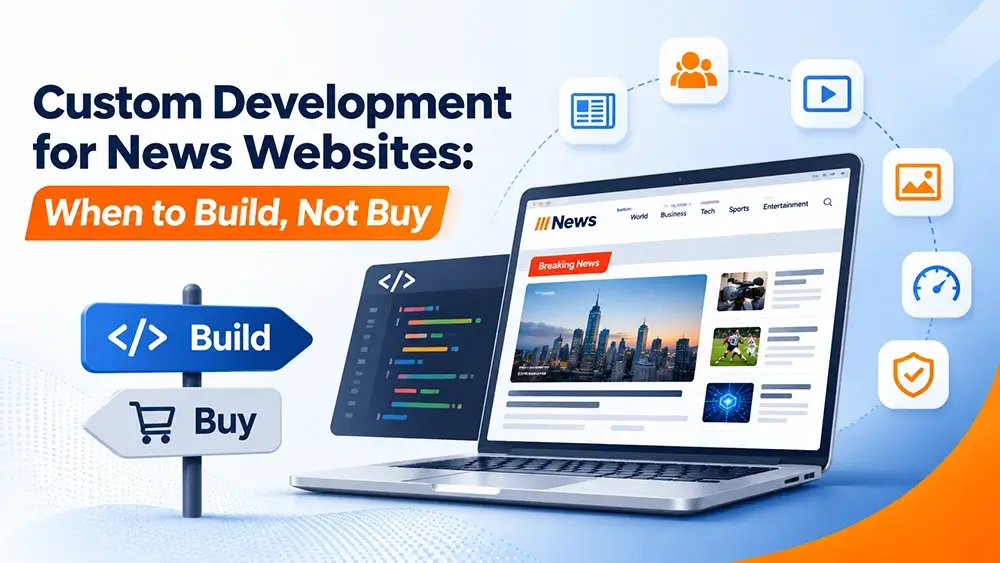
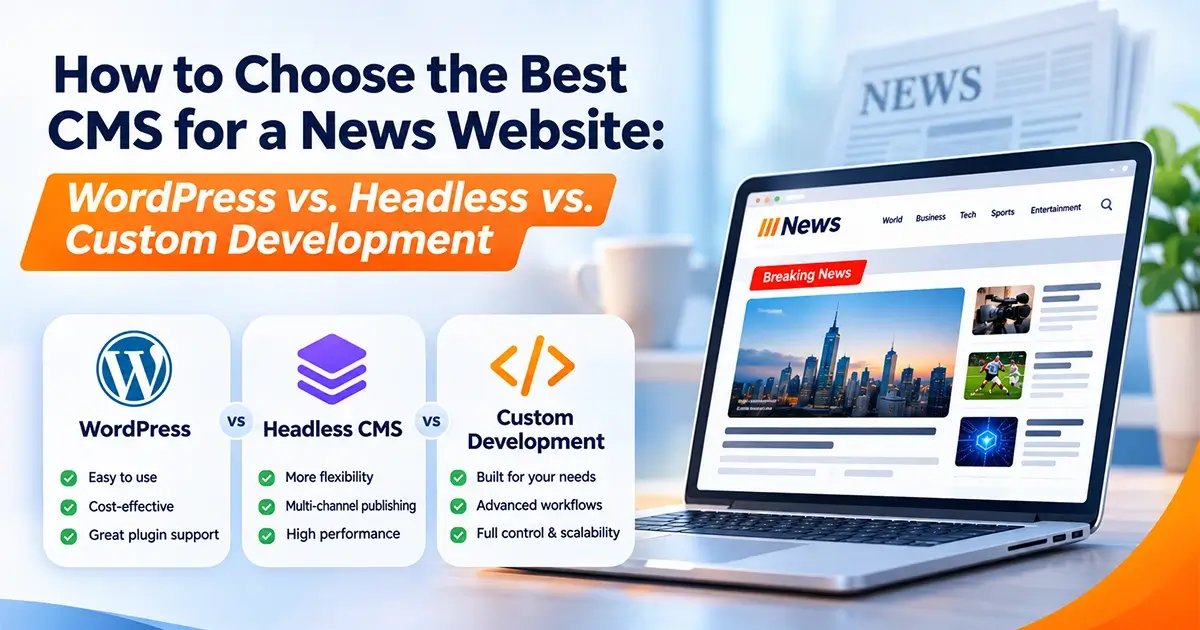
For most publishers, the decision comes down to three options: WordPress, a headless CMS, or custom CMS development. Each has its own advantages, limitations, development requirements, and costs.
In this guide, we will explain how these platforms work, compare their key features, and help you decide which solution is right for your news website.
Table of Contents
- What Makes a News Website Different?
- What Is a Content Management System?
- WordPress for News Websites
- What Is a Headless CMS?
- When Should You Choose Custom CMS Development?
- WordPress vs. Headless CMS vs. Custom Development
- Which CMS Is Best for Different Types of Publishers?
- Essential Features Every News Website Needs
- How Much Does a News Website CMS Cost?
- Common Mistakes to Avoid
- How to Choose the Right CMS for Your Business
- Frequently Asked Questions
1. What Makes a News Website Different?
A standard business website might have a few service pages, a contact form, and an occasional blog post. A news website, however, may publish dozens or even hundreds of articles regularly.
It must organize large amounts of content while helping readers find the stories that matter to them.
Here are some important requirements to consider:
Frequent content publishing: Journalists and editors need a straightforward way to create, review, update, and publish articles.
Content organization: Categories, tags, author profiles, archives, and related articles help readers navigate the website.
Website performance: News websites can experience sudden traffic increases when a major story breaks. The hosting infrastructure and caching strategy must accommodate these spikes.
Search engine optimization: Search-friendly URLs, structured data, article metadata, and a clear content hierarchy help search engines understand published stories.
Mobile responsiveness: Readers should be able to access articles comfortably on smartphones, tablets, and desktop computers.
Editorial permissions: Publications with multiple contributors may need different access levels for writers, editors, administrators, and reviewers.
Your CMS should support these requirements without making everyday publishing unnecessarily complicated.
2. What Is a Content Management System?
A content management system (CMS) is software that allows you to create, manage, organize, and publish website content without manually editing every page’s code.
For example, WordPress lets an editor log in to a dashboard, write an article, upload images, select a category, add SEO details, and publish the content.
The CMS manages the content while the website’s theme or frontend controls how visitors see it.
Three common approaches are available.
WordPress
WordPress combines content management and website presentation in one platform. Themes, plugins, and custom development can extend its functionality.
Headless CMS
A headless CMS manages content separately from the frontend that displays it. The website retrieves content through an API, allowing developers to build a separate presentation layer.
Custom CMS Development
A custom CMS is developed around specific publishing requirements. It can include specialized dashboards, approval processes, integrations, and content management features.
The right option depends on your publication’s needs, available budget, technical resources, and future plans.
3. WordPress for News Websites
WordPress is a popular choice for publishers who want to launch and manage a news website without building an entire content management system from scratch.
Its dashboard allows writers and editors to manage articles, images, categories, tags, and publishing schedules.
Advantages of WordPress
1. Easy content management
Writers can create and edit articles through the WordPress dashboard. Editors can review content and schedule publication without requiring a developer for every update.
2. Extensive plugin ecosystem
WordPress plugins can add features such as SEO controls, caching, contact forms, newsletter subscriptions, related articles, and social sharing.
3. Flexible website design
You can customize the homepage, category pages, article layouts, navigation, and other website sections to match your publication’s brand.
4. SEO capabilities
SEO plugins and suitable website development practices can help you manage titles, meta descriptions, XML sitemaps, canonical URLs, and structured data.
5. Cost-effective development
For publications with standard requirements, WordPress can reduce initial development time because many core publishing features are already available.
Limitations of WordPress
WordPress is not automatically fast or secure simply because you use it.
Poor hosting, excessive plugins, unoptimized images, and inefficient themes can affect performance. Plugin conflicts and inadequate maintenance can also create problems.
Large publishers may require custom editorial workflows or integrations that go beyond standard WordPress functionality.
When Should You Choose WordPress?
WordPress is often a good fit for:
- Local news portals
- Community news websites
- Industry-specific publications
- Online magazines
- Small and medium-sized publishing businesses
- New publishers working with a limited budget
Our recommendation: If you need a conventional news website with manageable publishing requirements, start by evaluating WordPress before committing to a more complex architecture.
4. What Is a Headless CMS?
A headless CMS separates content management from the website’s presentation layer.
Instead of generating public-facing pages directly, the CMS stores content and makes it available through an API. A separately developed frontend retrieves that content and displays it to readers.
For example, a publication might use a headless CMS for articles and a frontend built with Next.js or React to deliver its website.
Advantages of a Headless CMS
Greater frontend flexibility
Developers can build a customized reading experience without being restricted to a traditional CMS theme.
Multiple publishing channels
The same content can potentially be delivered to a website, mobile application, or other digital platforms through APIs.
Performance optimization opportunities
A carefully engineered frontend can use static page generation, content delivery networks, and caching to deliver pages efficiently.
Structured content management
Developers can define content models for articles, authors, videos, live updates, and other publishing formats.
Limitations of a Headless CMS
A headless approach usually requires more technical expertise than a conventional WordPress website.
You may need developers to build and maintain the frontend, connect APIs, configure hosting, and troubleshoot publishing or rendering issues.
Depending on the platform, subscription costs, hosting expenses, and development requirements may also be higher.
When Should You Choose a Headless CMS?
Consider a headless architecture if your publication:
- Needs to distribute content across multiple digital channels.
- Requires a highly customized frontend experience.
- Has demanding performance requirements and the technical team to support them.
- Uses several specialized content formats.
- Has a long-term development and maintenance budget.
Remember that headless architecture does not guarantee better performance. The quality of the implementation, hosting, caching, and content delivery still matters.
5. When Should You Choose Custom CMS Development?
Custom CMS development involves building content management functionality around the specific needs of your publication.
Instead of adapting your workflow to an existing platform, the system can be designed to support the way your editorial team actually works.
However, custom development is not necessary for every news website. It makes the most sense when standard CMS platforms cannot meet important requirements efficiently.
Advantages of Custom CMS Development
1. Tailored editorial workflows
You can create approval stages that match your publishing process.
For example:
Reporter → Section Editor → Senior Editor → Final Approval → Publication
Each stage can have specific permissions and responsibilities.
2. Specialized functionality
Custom development can support features such as live reporting, proprietary data visualizations, specialized content feeds, or complex subscription rules.
3. Role-based access control
Different users can receive access to specific dashboards, content types, and administrative functions according to their responsibilities.
4. Integration with business systems
A custom CMS can connect with selected databases, internal tools, analytics platforms, subscription services, or other business applications.
5. Greater control over system design
You can define how content is stored, processed, reviewed, and delivered according to your technical and operational requirements.
Limitations of Custom Development
A custom CMS generally requires more planning, development, testing, and ongoing maintenance.
You are responsible for ensuring that the system receives security updates, performs efficiently, handles backups correctly, and remains compatible with other services.
Features that come ready-made in WordPress may need to be developed separately.
When Is Custom Development Worth It?
Custom CMS development may be appropriate when:
- Your editorial approval process is unusually complex.
- Your publication requires specialized data or content workflows.
- You need extensive integrations with existing systems.
- Standard plugins or extensions cannot meet essential requirements.
- You have the budget and technical resources to maintain the system.
Important: Choose custom development because you have clearly defined requirements that justify it—not simply because a custom-built platform sounds more advanced.
6. WordPress vs. Headless CMS vs. Custom Development
The following table summarizes the main differences.
| Feature | WordPress | Headless CMS | Custom CMS |
|---|---|---|---|
| Initial development | Usually simpler | More technically involved | Usually most involved |
| Content management | Built-in dashboard | Depends on the selected CMS | Designed around requirements |
| Design flexibility | High with suitable themes and development | Very high | Very high |
| Frontend performance | Depends on implementation and hosting | Strong optimization opportunities | Depends on engineering quality |
| Plugin ecosystem | Extensive | Depends on the CMS and frontend stack | Features are developed or integrated |
| Editorial workflows | Good for standard publishing | Depends on CMS capabilities and integrations | Can be tailored extensively |
| Multi-channel publishing | Possible with suitable integrations | A common architectural strength | Can be built as required |
| Technical expertise | Low to moderate for routine publishing | Moderate to high | High |
| Ongoing maintenance | Updates, plugins, hosting, and security | CMS, frontend, APIs, and hosting | Application, infrastructure, and security |
| Best suited for | Most standard publishing needs | Custom frontend and multi-channel needs | Highly specialized requirements |
There is no universal winner. The best platform is the one that meets your requirements without introducing unnecessary complexity or expense.
7. Which CMS Is Best for Different Types of Publishers?
Your publication’s size and operating model can help narrow the options.
Local News Websites
A local news website may cover community events, civic issues, education, business updates, and regional developments.
Recommended starting point: WordPress.
It provides the standard publishing features most small news teams need, while allowing the website to expand through suitable plugins and custom development.
Online Magazines
Digital magazines often need attractive article layouts, strong imagery, category navigation, author profiles, and related content.
Recommended starting point: WordPress or a headless CMS.
WordPress can be an effective choice when editors need visual flexibility and straightforward content management. A headless approach may be appropriate for publications that require a more specialized frontend.
Industry-Specific Publications
Healthcare, technology, finance, manufacturing, and other industries may publish articles alongside reports, directories, interviews, and event updates.
Recommended starting point: WordPress, with a headless or custom approach considered when requirements justify it.
The deciding factor is whether standard content types and access rules are sufficient.
High-Volume News Portals
Large news portals may have multiple editorial teams, frequent breaking-news updates, significant traffic, and complex publishing responsibilities.
Recommended starting point: Evaluate WordPress, headless, and custom solutions against documented requirements.
Performance testing, editorial workflow analysis, and infrastructure planning are particularly important for these websites.
Subscription-Based Publications
Publications that charge readers for access need reliable payment processing, subscriber management, access controls, and subscription workflows.
Recommended starting point: WordPress with a suitable membership solution for standard requirements.
Consider a specialized or custom subscription system if your business model requires complex billing, access rules, or integrations.
8. Essential Features Every News Website Needs
Regardless of which CMS you choose, prioritize the features that make the website useful for readers and manageable for editors.
Content Management
Your publishing system should support:
- Article creation and editing
- Categories and tags
- Featured images and media galleries
- Author profiles
- Scheduled publishing
- Content revisions
- Related articles
Search Engine Optimization
A well-structured news website should support:
- Editable SEO titles and meta descriptions
- Search-engine-friendly URLs
- XML sitemaps
- Canonical URLs where appropriate
- Appropriate Article or NewsArticle structured data
- Logical internal linking
- Proper handling of archived and updated articles
Structured data can help search engines understand your content, but it does not guarantee enhanced search appearances or placement in Google News.
Mobile-Friendly Design
Readers should be able to navigate categories, read articles, view images, and interact with website elements comfortably on mobile devices.
Use responsive layouts, readable typography, appropriate image sizes, and touch-friendly controls.
Website Performance
Consider:
- Reliable hosting
- Page and object caching where appropriate
- Image compression and responsive image delivery
- A content delivery network when beneficial
- Optimized scripts and stylesheets
- Regular performance testing
Security and Maintenance
Use appropriate user permissions, secure authentication, reliable backups, software updates, and monitoring.
A growing publication should also have a recovery plan in case of a technical problem.
9. How Much Does a News Website CMS Cost?
The total cost depends on more than the initial development quote.
Your budget should account for design, development, hosting, software licenses, integrations, maintenance, and future improvements.
WordPress Development
A WordPress news website may have a lower initial development cost when the requirements are standard and suitable themes or plugins are available.
Additional costs may arise from custom designs, premium plugins, advanced integrations, performance optimization, and ongoing support.
Headless CMS Development
A headless website may require separate work for the CMS, frontend, API integrations, deployment, and hosting.
The investment depends on the chosen CMS, content model, design complexity, and performance requirements.
Custom CMS Development
Custom development generally requires the most extensive upfront planning and engineering.
Costs depend on the number of features, user roles, editorial workflows, integrations, security requirements, and expected traffic.
Don’t Compare Only the Initial Price
Evaluate the total cost of ownership over several years.
Ask these questions:
- How much will hosting cost?
- Are premium plugins or platform subscriptions required?
- Who will maintain the website?
- How much will future changes cost?
- Will the system need additional development as the publication grows?
A lower initial price does not always mean a lower long-term cost. Similarly, a more expensive architecture is not automatically a better investment.
10. Common Mistakes to Avoid
When choosing a CMS for your news website, watch out for these common mistakes.
Choosing a platform because it is trendy: A technology should solve your publishing problems rather than create unnecessary complexity.
Installing too many plugins: Every additional plugin should serve a clear purpose. Unnecessary extensions can increase maintenance requirements and introduce compatibility risks.
Ignoring mobile performance: A visually attractive desktop layout is not enough. Test article pages, navigation, images, and forms on smaller screens.
Overlooking SEO during development: URL structure, internal linking, metadata, redirects, and structured data should be planned early.
Underestimating maintenance: Every website requires ongoing updates, security checks, backups, and performance monitoring.
Building unnecessary custom features: If an existing platform already handles your requirements effectively, custom development may add cost without delivering meaningful benefits.
Migrating without a content plan: When replacing an existing website, map old URLs, preserve valuable content, and plan redirects to reduce the risk of losing search visibility.
11. How to Choose the Right CMS for Your Business
Before selecting a platform, follow these practical steps.
Step 1: Define Your Publishing Requirements
List the content types you plan to publish, the number of contributors, your publishing frequency, and the approval process.
Step 2: Establish Your Budget
Include development, hosting, licenses, integrations, maintenance, and future upgrades.
Step 3: Identify Essential Features
Separate must-have features from optional improvements. This prevents the project from becoming unnecessarily complex.
Step 4: Assess Performance Requirements
Estimate your expected traffic and identify any special requirements for breaking-news coverage, large media files, or high-volume publishing.
Step 5: Evaluate Your Technical Resources
Determine who will handle updates, troubleshoot issues, maintain integrations, and implement future improvements.
Step 6: Compare Platforms Against Your Requirements
Evaluate WordPress, headless CMS options, and custom development using the same criteria. Avoid making the decision based on a single feature or technology trend.
Step 7: Plan for Future Growth
Choose a solution that can accommodate realistic business growth without forcing you to pay for complexity you do not currently need.
A structured evaluation can help you select a platform that balances usability, performance, flexibility, and cost.
12. Frequently Asked Questions
What is the best CMS for a news website?
There is no single best CMS for every publication. WordPress is a strong starting point for many websites with standard publishing requirements. A headless CMS can suit projects requiring a customized frontend and multi-channel content delivery. Custom development is worth evaluating when essential workflows or features cannot be handled effectively by existing platforms.
Is WordPress suitable for a large news portal?
Yes, WordPress can support substantial publishing operations when the website is designed and maintained appropriately. Hosting, caching, database performance, media delivery, plugin selection, and editorial requirements all influence its suitability.
Is a headless CMS faster than WordPress?
Not automatically. A headless architecture offers opportunities for frontend optimization, but actual performance depends on implementation, hosting, caching, API requests, and content delivery. A well-optimized WordPress website can also perform well.
When should I build a custom CMS?
Consider custom development when you have specific, documented requirements that existing platforms cannot meet efficiently. Examples include specialized approval workflows, complex integrations, unusual content models, and highly specific access controls.
Can I migrate an existing news website to another CMS?
Yes. Migration planning should cover articles, images, authors, categories, existing URLs, redirects, metadata, and structured data. Test the new website before launch and monitor indexing, traffic, and errors afterward.
Does the CMS affect SEO?
Yes. A CMS influences how you manage URLs, metadata, structured data, internal links, page performance, and content organization. However, search visibility also depends on content quality, relevance, technical implementation, competition, and other factors.
Should I choose WordPress or custom development for my first news website?
For a first news website with standard publishing needs, WordPress is usually a sensible option to evaluate first. Custom development becomes more attractive when your requirements justify the additional investment and maintenance responsibilities.
Final Thoughts
Choosing a CMS is an important decision because it affects how your team publishes content, how readers experience your website, and how easily the platform can evolve.
For many publishers, WordPress offers a practical combination of flexibility, manageable costs, and straightforward content management. A headless CMS may be suitable when frontend flexibility and multi-channel publishing are priorities. Custom CMS development is worth considering when specialized requirements make conventional solutions impractical.
The best approach is to choose technology based on your actual publishing needs—not complexity for its own sake.
Need Help Planning Your News Website?
At W3Dezine, we help businesses plan and develop digital experiences around their goals, audiences, and technical requirements.
Whether you are launching a new website or evaluating improvements to an existing one, the right starting point is understanding what your website needs to accomplish.
Ready to discuss your website project?
Visit W3Dezine to explore our website design and development services and get in touch with our team.